
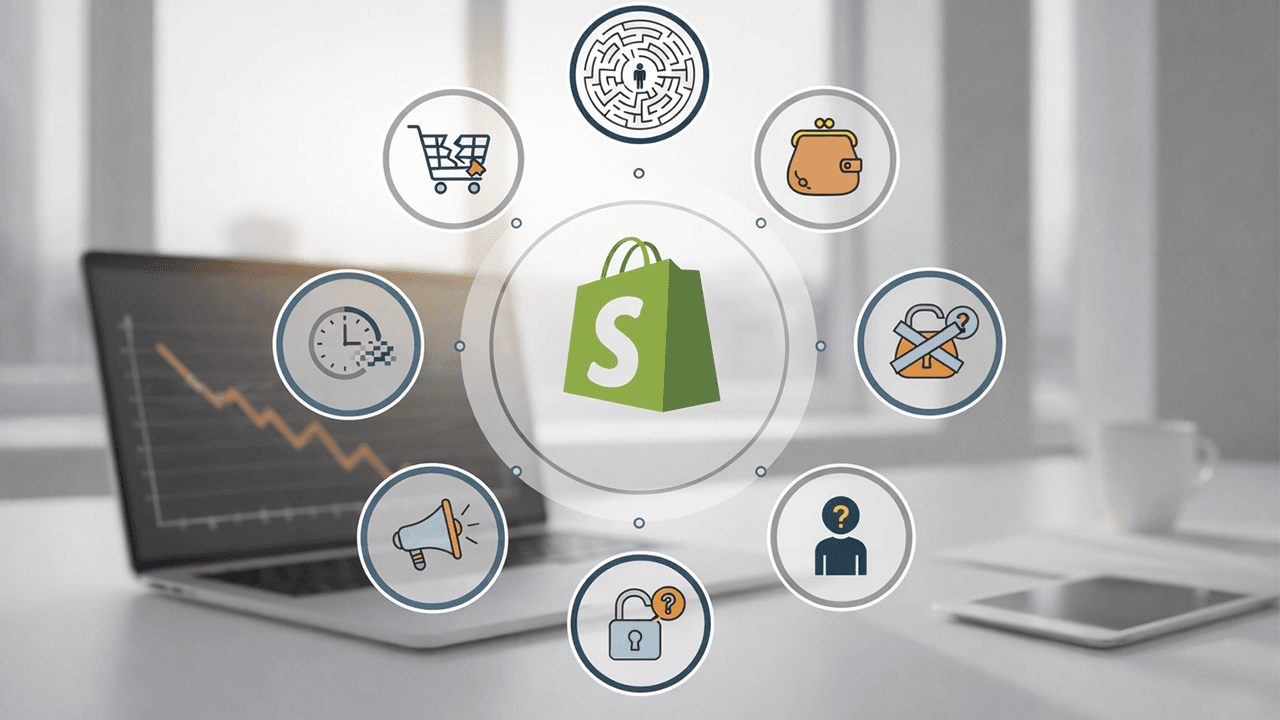
Your Shopify analytics show steady traffic, but your sales dashboard tells a different story. Visitors are arriving, browsing, and leaving without buying anything.
The disconnect usually comes down to seven common problems: slow load times, poor mobile experience, missing trust signals, weak product pages, checkout friction, wrong traffic sources, or unclear messaging. We’ll walk through each one and show you how to identify which issues are costing you sales.
Why your Shopify store gets traffic but no sales
Your Shopify store is getting visitors, but they’re not buying. This disconnect typically comes down to a handful of fixable problems: slow load speeds, poor mobile experience, missing trust signals, weak product pages, checkout friction, wrong traffic sources, or unclear messaging about what makes your store worth buying from.
Your conversion rate is the percentage of visitors who actually complete a purchase. So if 100 people visit and 2 buy, that’s a 2% conversion rate. When traffic flows in but sales don’t follow, the issue usually isn’t your product itself. It’s the experience surrounding it.
Think of your store as a series of small decisions. Each friction point gives visitors a reason to leave before they reach the checkout button. Let’s walk through the seven most common culprits we see.
Slow page load times kill your conversion rate
Page speed refers to how quickly your store’s content appears after someone clicks. Most visitors expect pages to load in under two seconds, and anything longer starts pushing them toward the back button.
How site speed impacts Shopify sales
Slow pages signal that something’s off. Visitors might not consciously think “this store seems unprofessional,” but their instincts tell them to leave anyway. Every additional second of load time increases the chance someone bounces before even seeing your products.
The frustrating part? You might have great products and solid pricing, but visitors never stick around long enough to find out.
Common causes of slow Shopify stores
Several technical issues typically slow things down:
- Unoptimized images: Large file sizes that haven’t been compressed for web display
- Too many apps: Each Shopify app adds scripts that compete for loading priority
- Heavy theme code: Bloated themes packed with features you’re not even using
- Missing caching: No browser caching or CDN setup to speed up repeat visits
We often find that removing unused apps and compressing images delivers noticeable speed improvements without touching any code.
Poor mobile experience drives shoppers away
Mobile optimization means your store looks and functions well on smartphones and tablets. Most Shopify traffic now comes from mobile devices, so a desktop-first approach leaves significant revenue on the table.
Why mobile optimization matters for e-commerce
Mobile shoppers behave differently than desktop users. They’re often browsing during commutes, in waiting rooms, or during quick breaks. Smaller screens and touch navigation mean patience runs even shorter than usual.
If your store feels clunky on a phone, visitors won’t struggle through it. They’ll find a competitor who made the experience easier.
Signs your Shopify store fails on mobile
Watch for these red flags when testing your store on a phone:
- Tiny tap targets: Buttons too small to press accurately with a thumb
- Horizontal scrolling: Content spilling past the screen width
- Slow mobile load times: Heavy elements choking on cellular connections
- Unreadable text: Fonts requiring pinch-to-zoom to read
- Broken layouts: Elements overlapping or misaligned on smaller screens
A quick test: pull up your store on your own phone and try to complete a purchase. If anything feels awkward, your visitors feel it too.
Lack of trust signals makes visitors hesitant
Trust signals are visual and textual elements that reassure visitors your store is legitimate and safe. Online shoppers are naturally skeptical of unfamiliar brands, especially when they’re about to hand over payment information to a website they just discovered.
Product reviews and customer testimonials
Social proof from other buyers reduces purchase anxiety significantly. When visitors see that real people bought your product and had positive experiences, the perceived risk drops. Display reviews prominently on product pages rather than burying them in a separate tab.
Even a handful of genuine reviews can make a meaningful difference. No reviews at all, on the other hand, raises questions about whether anyone has actually bought from you.
Security badges and payment indicators
SSL certificates, secure checkout badges, and recognizable payment icons like Visa, Mastercard, PayPal, and Shop Pay signal safety. These small visual cues tell visitors their information is protected.
Without them, even interested buyers hesitate at the moment of commitment.
Return and shipping policy visibility
Unclear or hidden policies create doubt. Visitors want to know what happens if something goes wrong before they commit to buying. Make your return policy, shipping costs, and delivery timeframes easy to find on product pages and during checkout.
Surprises at checkout, especially unexpected shipping costs, are one of the most common reasons for cart abandonment.
Weak product pages fail to convert browsers into buyers
Product pages are where the buying decision happens. Even visitors who arrived interested can lose confidence if the page doesn’t answer their questions or showcase the product effectively.
Product photography and visual presentation
High-quality images from multiple angles compensate for the fact that shoppers can’t physically touch your products. Lifestyle photos showing the product in use help visitors imagine ownership.
Blurry, single-angle shots suggest a store that doesn’t take itself seriously. If you wouldn’t buy based on those photos, neither will your visitors.
Product descriptions that sell
There’s a meaningful difference between listing features and communicating benefits:
- Features tell: Material, dimensions, specifications, technical details
- Benefits sell: How the product solves a problem or improves daily life
The best descriptions do both. Lead with benefits to capture interest, then support with features for visitors who want the specifics before buying.
Clear and compelling call to action buttons
Your “Add to Cart” button is doing heavy lifting. If it’s hidden, blends into the background, or uses vague text, you’re creating unnecessary friction at the exact moment someone is ready to buy.
CTAs work best when they contrast with the page design and use action-oriented language. “Add to Cart” or “Buy Now” beats “Submit” or “Continue” every time.
Checkout friction causes cart abandonment
Cart abandonment happens when visitors add items but leave before completing their purchase. This is often where trust breaks down. Visitors are one step from paying, and any surprise or inconvenience can tip them toward the exit.
Reducing checkout steps and form fields
Each additional step or form field is an opportunity for second-guessing. Streamlined checkouts maintain the momentum that got visitors this far.
Ask only for information you genuinely require to fulfill the order. Every extra field is a small barrier, and small barriers add up.
Guest checkout and multiple payment options
Forcing account creation deters buyers who just want to complete a quick purchase. Offering guest checkout removes that barrier entirely.
Similarly, diverse payment methods let visitors pay however feels most comfortable to them:
| Payment Option | Why It Helps |
|---|---|
| Shop Pay | One-tap checkout for returning Shopify users |
| Apple Pay / Google Pay | Fast mobile payments without typing card details |
| PayPal | Trusted option for buyers wary of entering card info |
| Credit / Debit Cards | Standard option everyone expects |
The easier you make payment, the fewer people abandon at the final step.
Wrong traffic sources attract non-buyers
Not all traffic is equal. Visitors from misaligned sources, whether wrong demographics, wrong intent, or wrong stage of awareness, have no real purchase intent. High traffic with low conversions often points to a targeting problem rather than a store problem.
Identifying mismatched audience traffic
Signs of poor traffic quality include high bounce rates where visitors leave immediately, very low time on site, and zero add-to-carts despite decent visitor numbers.
If people aren’t engaging at all, they probably weren’t your audience to begin with. The traffic looks good in your analytics, but it’s not translating to revenue.
Aligning marketing with buyer intent
The difference between awareness traffic and purchase-intent traffic matters enormously. Someone searching “best running shoes for flat feet” is much closer to buying than someone who stumbled onto your Instagram ad while scrolling.
Targeting audiences actively searching for solutions your products provide typically yields better conversion rates than broad awareness campaigns.
Unclear value proposition confuses potential customers
Your value proposition is the clear reason why someone would buy from you instead of competitors. If visitors can’t quickly understand what you sell and why it matters, confusion leads to exit.
Homepage clarity and first impressions
Visitors decide within seconds whether to stay or leave. Your homepage carries the burden of immediately communicating what you offer and who it’s for.
Vague taglines or cluttered layouts waste those crucial first moments. By the time visitors figure out what you’re selling, they’ve often already decided to look elsewhere.
Communicating what makes your products different
If visitors can’t tell why your products are special, they’ll compare on price alone or simply leave. Differentiation doesn’t require being revolutionary.
It might be better materials, faster shipping, superior customer service, or a specific use case you serve better than anyone else. Whatever it is, make it obvious.
How to diagnose your Shopify conversion problems
Identifying your specific issues is the first step toward fixing them. Generic advice only goes so far because your store has its own unique friction points.
Using Shopify analytics to find drop-off points
Your Shopify admin shows where visitors abandon their journey. Are they leaving from the homepage, product pages, cart, or checkout?
Each drop-off point suggests different problems. Homepage exits might indicate unclear messaging, while checkout abandonment often points to trust or friction issues.
Prioritizing fixes based on revenue impact
Not all fixes deliver equal returns. Checkout improvements often yield quick wins since those visitors were already close to purchasing. Speed optimizations affect everyone who visits. Trust signals are relatively easy to add.
Prioritize based on where you’re losing the most potential revenue, then work through the list systematically.
Turn your Shopify store into a conversion machine
Conversion optimization isn’t a one-time project. It’s ongoing refinement based on data and customer behavior. The stores that consistently perform well treat optimization as a continuous process rather than a checklist to complete once and forget.
At KumoCode, we build and optimize Shopify stores using modern frameworks like React and Node.js, focusing on performance, UX design, and seamless checkout experiences that drive results. Whether you’re looking for a complete store rebuild or targeted improvements to your existing setup, we turn your vision into a high-converting digital storefront.
Get in touch for a store audit →
Frequently asked questions about Shopify conversion rates
What is a good conversion rate for a Shopify store?
A healthy Shopify conversion rate varies by industry and product type. Rather than chasing a specific number, focus on continuous improvement from your current baseline. If you’re converting at 1% today, getting to 1.5% represents meaningful revenue growth.
How long does it take to see conversion rate improvements after making changes?
Results depend on your traffic volume and the nature of changes made. Stores with higher traffic see statistically meaningful data faster. Most stores begin noticing measurable differences within two to four weeks of implementing fixes.
Can I fix Shopify conversion issues myself or do I need a developer?
Simple fixes like adding trust badges, improving product photos, or rewriting descriptions can be handled independently. However, technical issues like slow load times, custom theme development, or checkout optimization often benefit from experienced Shopify developers who understand the platform’s architecture.
Why do Shopify stores fail even with good products?
A great product isn’t enough if your store has poor UX, lacks trust signals, attracts the wrong traffic, or creates friction during checkout. Execution matters as much as the product itself, sometimes more.
Should I use a custom Shopify theme or a pre-built template?
Pre-built templates work well for new stores testing product-market fit. As your store grows, custom themes built by experienced developers offer better performance, unique branding, and flexibility that templates can’t match.